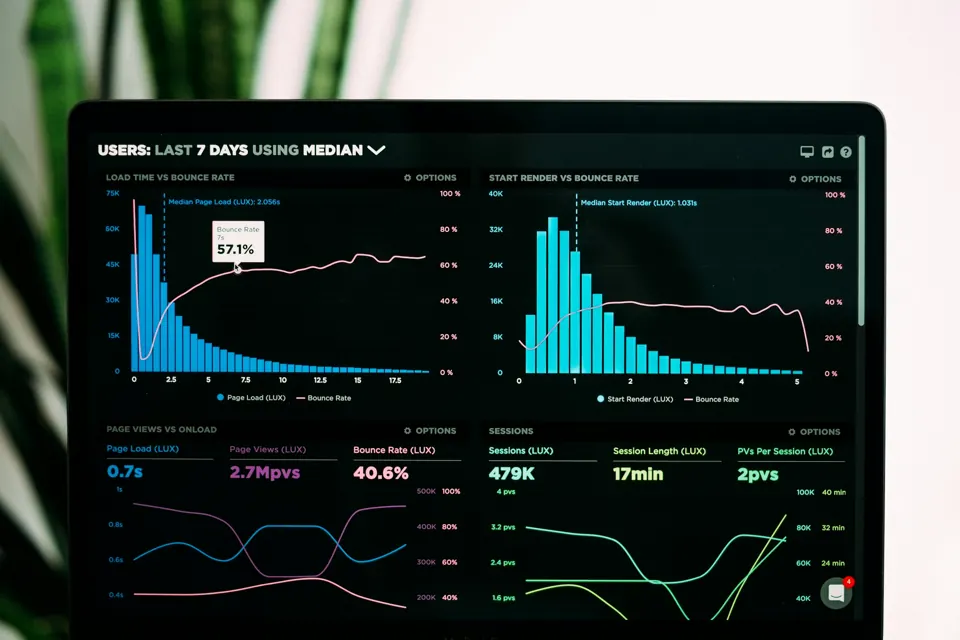
Your website can look great and still lose clients every day. The problem is that it happens quietly. People visit, scroll for a few seconds and leave, and you never hear about it.
After auditing a lot of business websites, I keep seeing the same patterns. Here are seven signs your website might be costing you inquiries, and what to do about each one.
1. People cannot tell what you do in five seconds
When someone lands on your homepage, the first screen should answer three questions: what you offer, who it is for, and what to do next. A clever slogan with no context makes visitors work too hard.
Fix it: Write a plain headline that says what you do, add one supporting sentence, and place a clear button right below it, like “Book a call” or “Get a quote”.
2. It is slow on a phone
If your site takes several seconds to show anything on mobile data, many visitors will leave before they see your offer. Speed also affects how Google evaluates your pages.
Fix it: Test your homepage on Google PageSpeed Insights in mobile mode. Start with the biggest files, usually images and videos. I wrote a step-by-step breakdown of how I made my own site faster if you want the details.
3. Contacting you takes too much effort
Long forms, hidden phone numbers and contact pages buried in a menu all reduce inquiries. Every extra field is one more reason to give up.
Fix it: Keep the main form short: name, email and a message, plus one or two questions that truly help you qualify the lead. Repeat your call to action on every important page, not just the contact page.
4. There is no proof that you are good at what you do
Visitors are deciding whether to trust you with their money. Without reviews, client logos, examples of your work or real results, you are asking for a leap of faith.
Fix it: Add short testimonials with a name and photo where possible, show a few projects or case studies, and display any certifications or memberships near your call to action.
5. It does not show up on Google
If people cannot find you when they search for your service and location, your website is only working for people who already know you.
Fix it: Make sure each service has its own page with a clear title and description, connect your site to Google Search Console, submit your sitemap, and keep your business details consistent across your website and Google Business Profile.
6. It looks bad when someone shares your link
When a client sends your link to a friend on Messenger or WhatsApp, the preview image and title are often the first impression. A broken image or a random cropped screenshot makes a business look careless.
Fix it: Set a proper share image of 1200 by 630 pixels and a clear title and description for your main pages. Most SEO plugins, like Rank Math or Yoast, let you set this per page.
7. Nobody has touched it in years
Old prices, outdated photos, broken links and a copyright year from 2021 all send the same message: this business might not be active. Outdated plugins can also become a security risk.
Fix it: Review your main pages every few months, keep WordPress and plugins updated with a backup before each update, and publish something new from time to time, like a project or an article that answers a common customer question.
Where to start
You do not need to fix everything at once. Start with the first screen of your homepage and the path to your contact form, because that is where most inquiries are won or lost. Then work on speed and visibility.
If you want a second pair of eyes, send me your website. I will point out the few changes that would make the biggest difference for your business.